Format guide

How to plan a glb to minecraft json workflow

A GLB holds a 3D scene; Minecraft JSON can describe several different kinds of game data. Decide whether you need a block model or a placed build before converting. Glbtolitematic can help you start with a Minecraft-style concept, but check its available exports before committing to a format.

Check available export formats
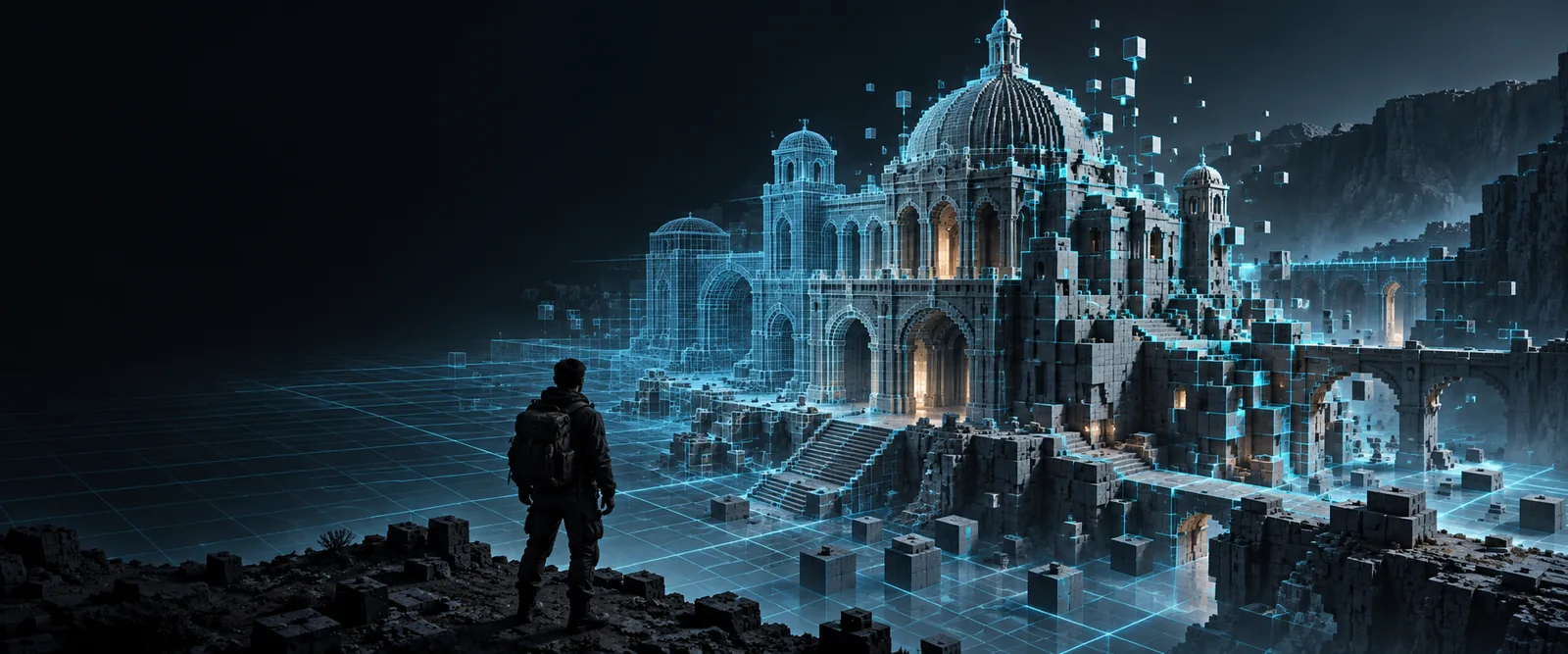
Minecraft-style block build shown in Glbtolitematic site imagery

What this variant is

The word JSON names a data format, not one universal Minecraft build file. These use cases help identify the output you actually need.

World builder

You have a GLB of a building and want to place the entire structure in a world, not define one block's appearance.

Consider a structure-oriented workflow; glb to minecraft covers the broader choices for turning a mesh into a build.

glb to minecraft

Java resource-pack maker

You want Minecraft JSON for a custom block or item model and need to know which parts of a GLB can become cuboid elements.

Treat the mesh as a visual reference and rebuild its geometry within the target model format; glb to schematic addresses a different, placed-block goal.

glb to schematic

Bedrock creator

You need a placed structure for a Bedrock project, where Java model JSON would not serve as a world import.

Identify the edition before exporting; glb to mcstructure converter focuses on Bedrock structure files rather than Java model definitions.

glb to mcstructure converter

Why GLB and Minecraft JSON differ

This comparison uses Java block-model JSON as the example. Other Minecraft JSON files have different schemas, so the intended use matters as much as the extension.

GLB scene
Java block-model JSON

Primary purpose

GLB scene

Stores a portable 3D scene.

Java block-model JSON

Defines how a block model is rendered.

Geometry

GLB scene

Can contain triangle meshes.

Java block-model JSON

Uses defined elements, typically cuboids.

Surface appearance

GLB scene

Can bundle materials and texture images.

Java block-model JSON

References textures through model definitions.

Scene hierarchy

GLB scene

Can contain multiple nodes and transforms.

Java block-model JSON

Describes a model, not a complete scene hierarchy.

World placement

GLB scene

Can position objects within its scene.

Java block-model JSON

Does not place a whole building in a world.

Animation

GLB scene

May contain animation data.

Java block-model JSON

Does not directly reproduce GLB animation tracks.

Conversion decision

GLB scene

Inspect scale, silhouette, and textures.

Java block-model JSON

Choose whether to author a model or use a separate structure format.

What this route cannot preserve

A mesh cannot simply be renamed as Minecraft JSON. Even a useful block interpretation involves decisions about scale, shape, and the destination format.

No universal JSON export

Minecraft uses JSON for different purposes, including models and other game definitions. A file valid for one purpose is not automatically a placeable build.

Workaround

Name the exact Minecraft edition and target use before choosing a workflow.

No exact mesh-to-cuboid match

A curved or highly detailed GLB does not translate exactly into the cuboid elements of a Java block model.

Workaround

Simplify the silhouette and plan which details can be represented with textures.

No guaranteed material transfer

GLB materials and texture assignments do not automatically become Minecraft texture references or block choices.

Workaround

Review the palette and texture mapping separately from the geometry.

No world placement from a model file

A Java block-model JSON file describes appearance; it is not a list of blocks positioned across a world.

Workaround

Use a structure-oriented format when the goal is to import an entire build.

Start with the build you want

Explore a Minecraft-style starting point

Describe the form, materials, and important features of your build in Glbtolitematic. Then inspect the available output and decide whether it fits a model-authoring task or whether you need a separate structure workflow. Do not assume a JSON export or direct GLB conversion without checking.

Create build concept
  • Specify the silhouette before small details
  • Check the intended Minecraft edition
  • Verify the output format before importing

Variant FAQ

Not without choosing which kind of Minecraft JSON you mean. A Java block-model file describes a model, while a complete building needs a workflow that records placed blocks. Check the intended use before selecting an output.

A Java block-model JSON file will not place an entire building in a world. It defines how a model is rendered, rather than storing the coordinates of every block in a structure. For world placement, look for a structure-oriented format suited to your edition.

A GLB may bundle images and material settings, but Minecraft model JSON references textures according to its own conventions. Texture assignments therefore need review and may require manual remapping. Mesh materials should not be assumed to become Minecraft blocks.

No. The editions use different model and structure conventions, and a file intended for one purpose may not import into the other. Identify your edition and whether you need a visual model or a placed structure first.

Start creating
Start creating