Creative builders
You have a GLB house, tower, or prop and want a Minecraft-oriented interpretation for a new build.
Start with the broader destination and compare the result against the original model before refining details.
glb to schematic3D model workflow
glb to minecraft is a useful way to move a prepared 3D asset toward a block-based building workflow. Review the source, choose the right destination, and begin with a concrete model brief.
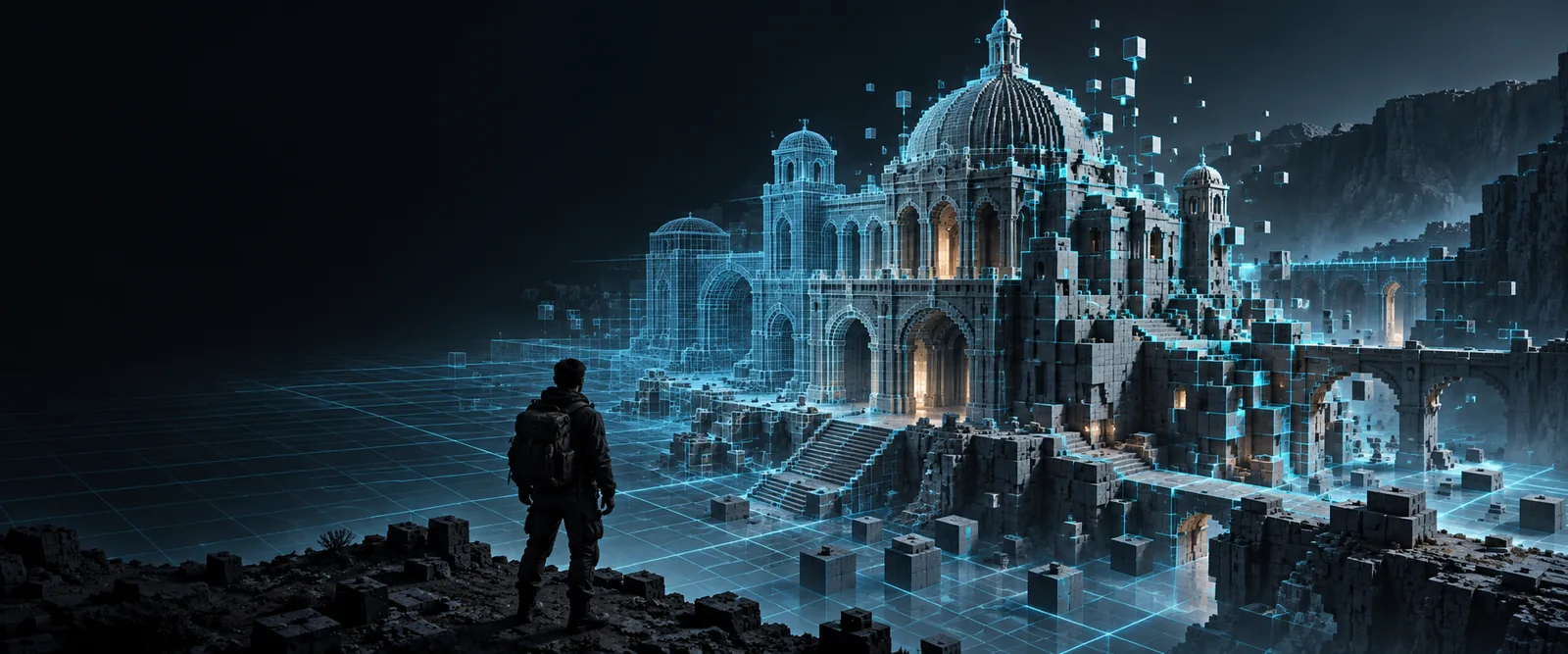
Visual comparison
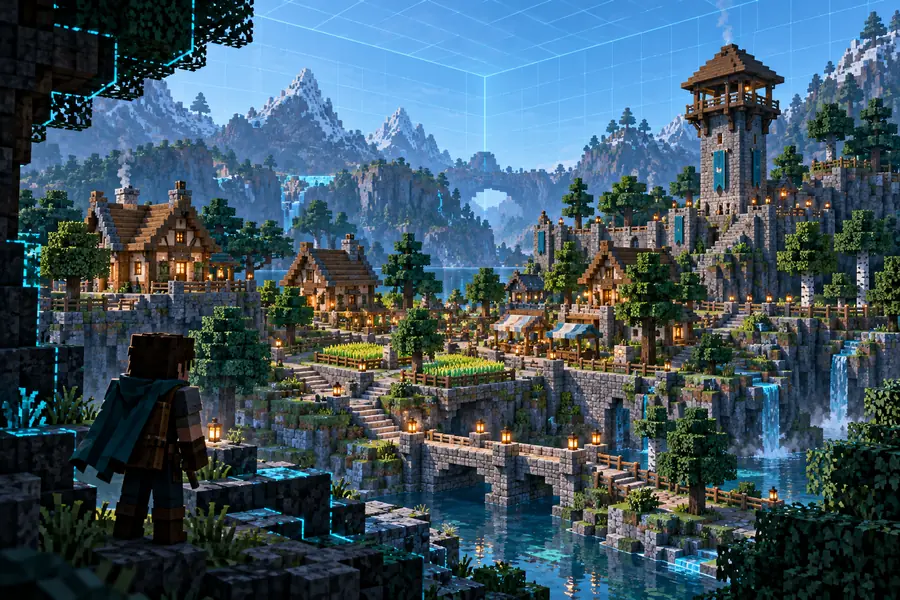
This route focuses on taking a GLB asset as the starting point and shaping the result for Minecraft construction. The comparison below represents the shift from a smooth 3D source to a block-oriented result.
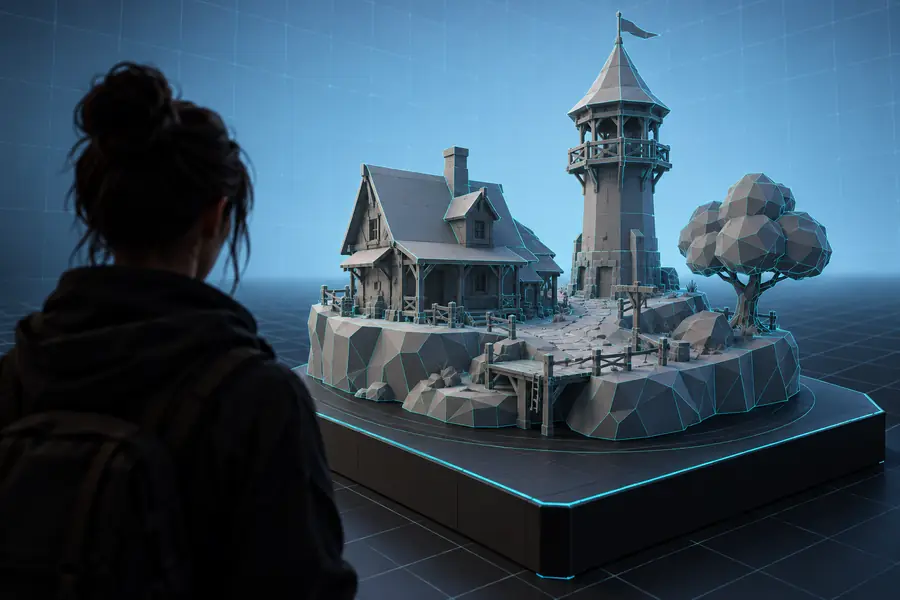
 GLB source
Minecraft result
GLB source
Minecraft result
Drag or use the arrow keys to compare both views.
GLB sourceMinecraft resultBuilt for different workflows
The best destination depends on how you plan to use the result: as a general build reference, a schematic, a structure file, or structured Minecraft data.
You have a GLB house, tower, or prop and want a Minecraft-oriented interpretation for a new build.
Start with the broader destination and compare the result against the original model before refining details.
glb to schematicYou need a conversion path that fits a tool or editor built around Minecraft structure data.
Review the available structure-oriented route before committing to an import workflow.
glb to mcstructure converterYou want to inspect or reuse model information in a more structured, text-oriented format.
Compare the JSON-focused option when a plain data representation is more useful than a finished build.
glb to minecraft jsonFormat overview
A GLB file and a Minecraft build describe the same idea in very different ways. This side-by-side view highlights the practical decisions to check before converting.
Representation
GLB source
3D scene or model asset
Minecraft build
Block-based world geometry
Geometry
GLB source
Continuous meshes and surfaces
Minecraft build
Discrete blocks arranged in space
Materials
GLB source
Meshes may reference textures and materials
Minecraft build
Appearance depends on block and resource choices
Scale
GLB source
Uses model scene units and transforms
Minecraft build
Uses a block grid and build proportions
Editing
GLB source
Best handled in a 3D or asset editor
Minecraft build
Best handled through a Minecraft build workflow
Typical review
GLB source
Check meshes, orientation, and textures
Minecraft build
Check silhouette, block readability, and placement
Output purpose
GLB source
Reusable source asset
Minecraft build
Construction reference or Minecraft-oriented result
Example outputs
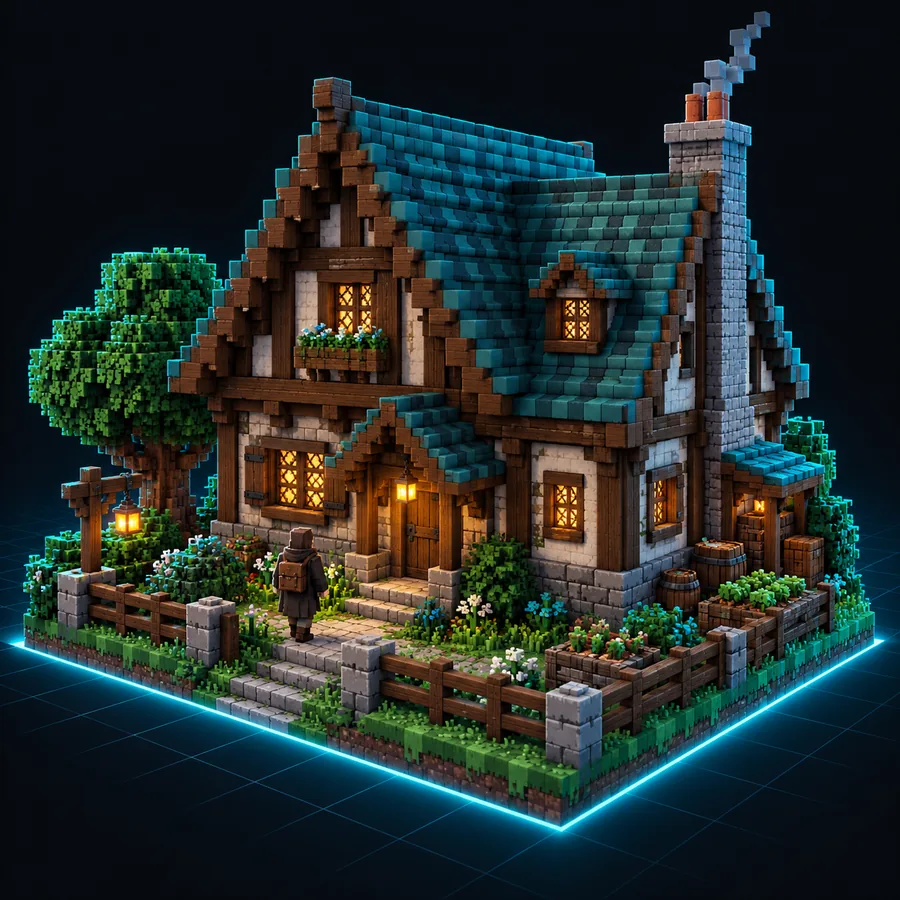
These examples show the kinds of subjects that can guide a conversion brief. Each caption names the input so you can adapt the same level of detail to your own GLB model.
 Temple
 Sci-fi
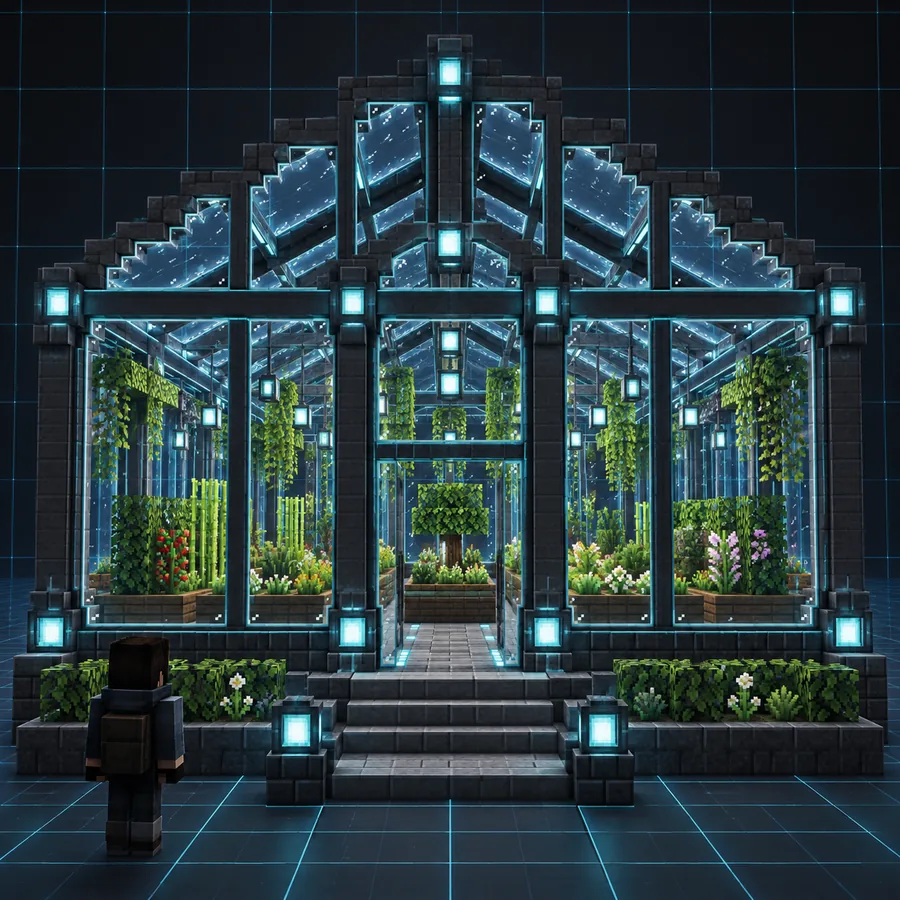 House
House
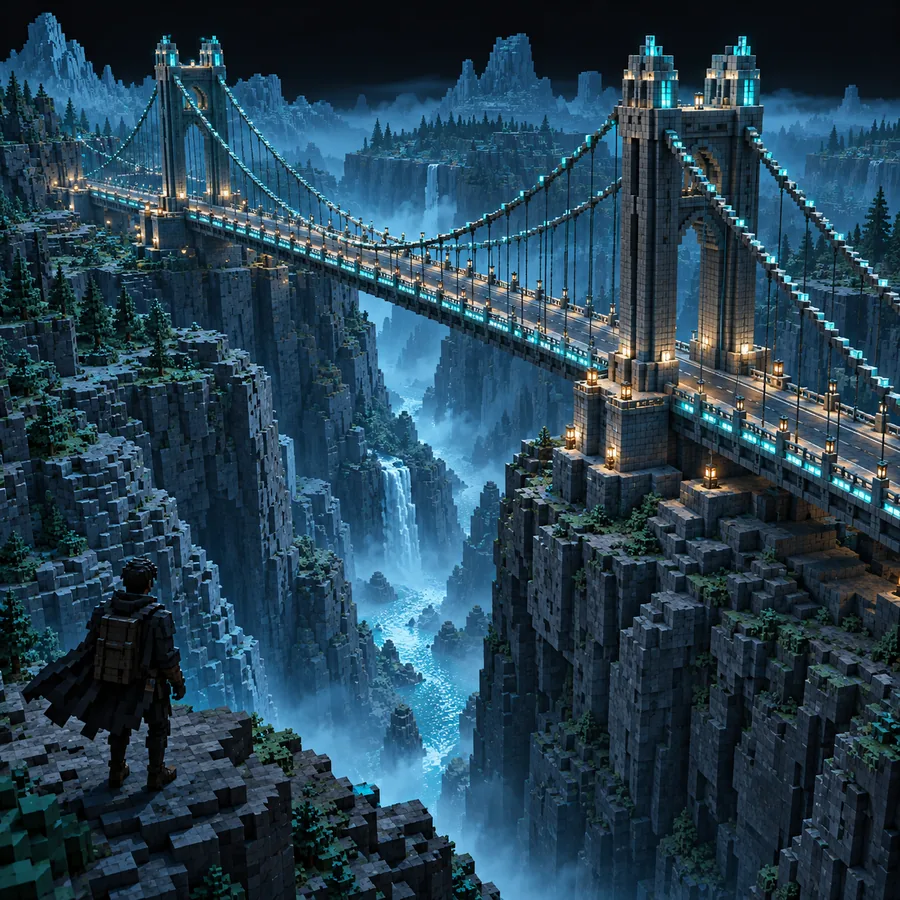 Tower
Tower
Set expectations
A GLB-to-Minecraft workflow is a format and representation change, not a promise that every source detail survives unchanged.
Curved walls, bevels, and tiny mesh details do not map directly to individual Minecraft blocks.
Workaround
Use a simplified silhouette and prioritize the features that matter most at normal viewing distance.
A source material or texture can depend on shading, UVs, or render behavior that has no direct block equivalent.
Workaround
Describe the intended palette and surface character separately from the source texture.
Scene units in a GLB file do not automatically define the ideal block size for a Minecraft build.
Workaround
Set a reference dimension such as doorway height, wall width, or total footprint before reviewing the result.
A GLB containing multiple objects, hidden parts, or scene effects may require preparation before it becomes a useful build reference.
Workaround
Separate the important object, remove irrelevant elements, and use a focused conversion brief.
Start with your model
Bring a specific subject, scale preference, and visual priority to the workflow. A focused brief makes it easier to judge the result and decide whether a schematic, structure-oriented file, or JSON representation is the better next step.
Convert my GLBCommon questions
Answers to the practical questions people ask before starting a model conversion workflow.
Yes, a GLB can serve as the source for a Minecraft-oriented conversion workflow. The result should be treated as a block-based interpretation of the model, so curved geometry, materials, and fine details may need approximation.
Prepare a focused model with a clear subject, sensible orientation, and a useful scale reference. It also helps to state which details matter most, such as the silhouette, roof shape, facade, or overall footprint.
Not necessarily. GLB textures and materials can depend on mesh shading and UV information, while Minecraft appearance is driven by blocks and related visual resources. A palette or material description can help preserve the intended look.
No. It is most useful when the model can be simplified into readable block geometry and when you are prepared to review the result. Very dense scenes, tiny details, or complex materials may need cleanup or a different representation.
Choose based on the next tool in your workflow. A schematic-oriented path may suit construction and editing, while a structure-oriented or JSON-focused route can be more appropriate when your software expects those formats.